

Main image
White background product photos that pass marketplace rules
Upload a photo of your product taken anywhere. Photolisto returns a main image on pure white, with the product filling about 85% of the frame, ready for Amazon, Etsy, eBay or Shopify.
From a phone photo to a main image
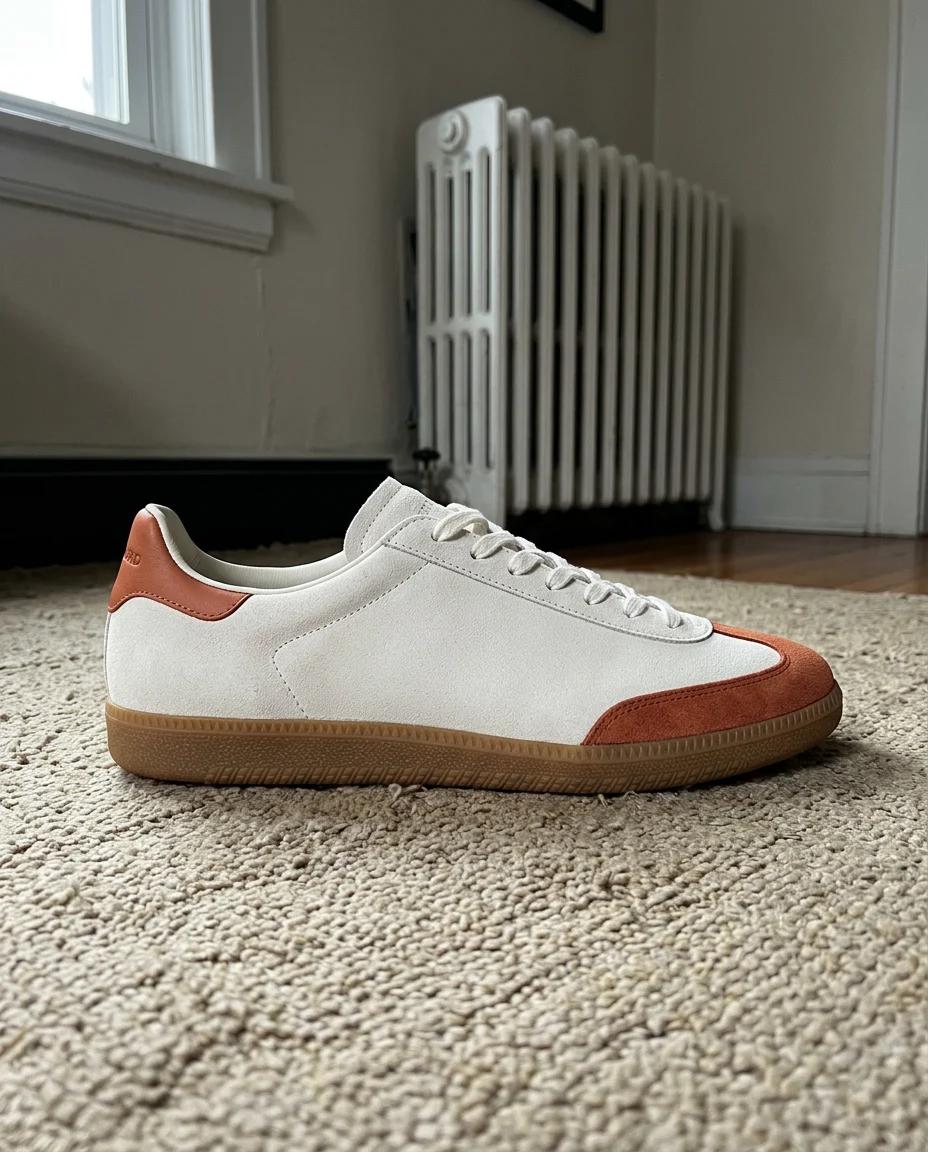
Your photo 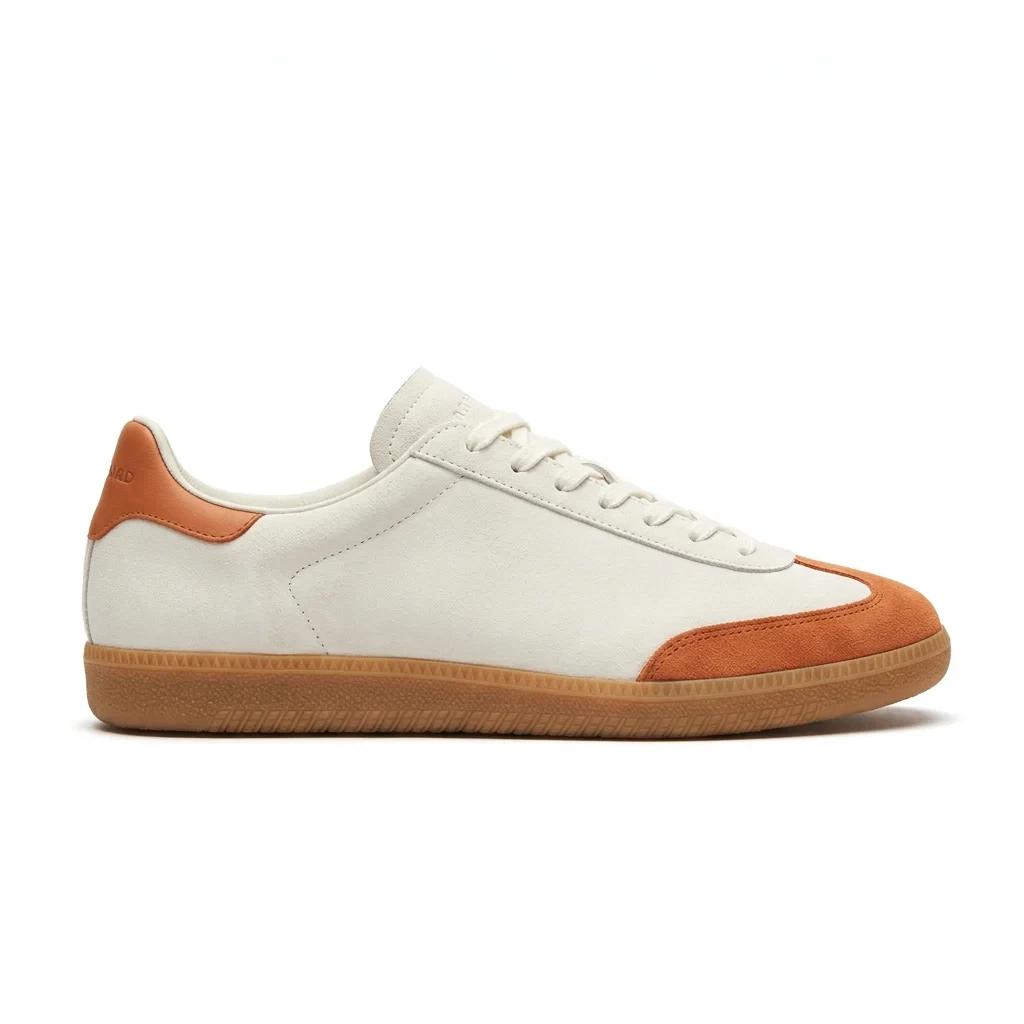
Main image · Sneaker 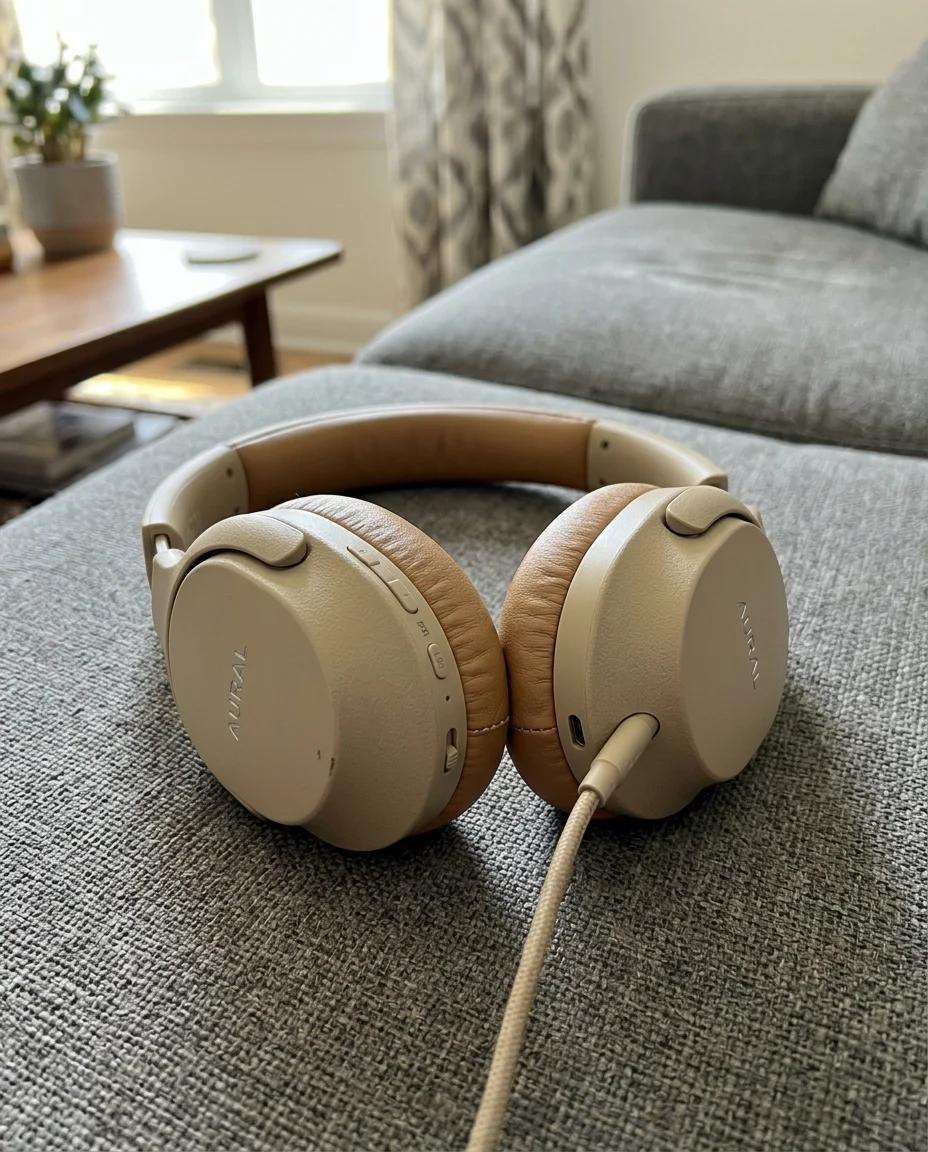
Your photo 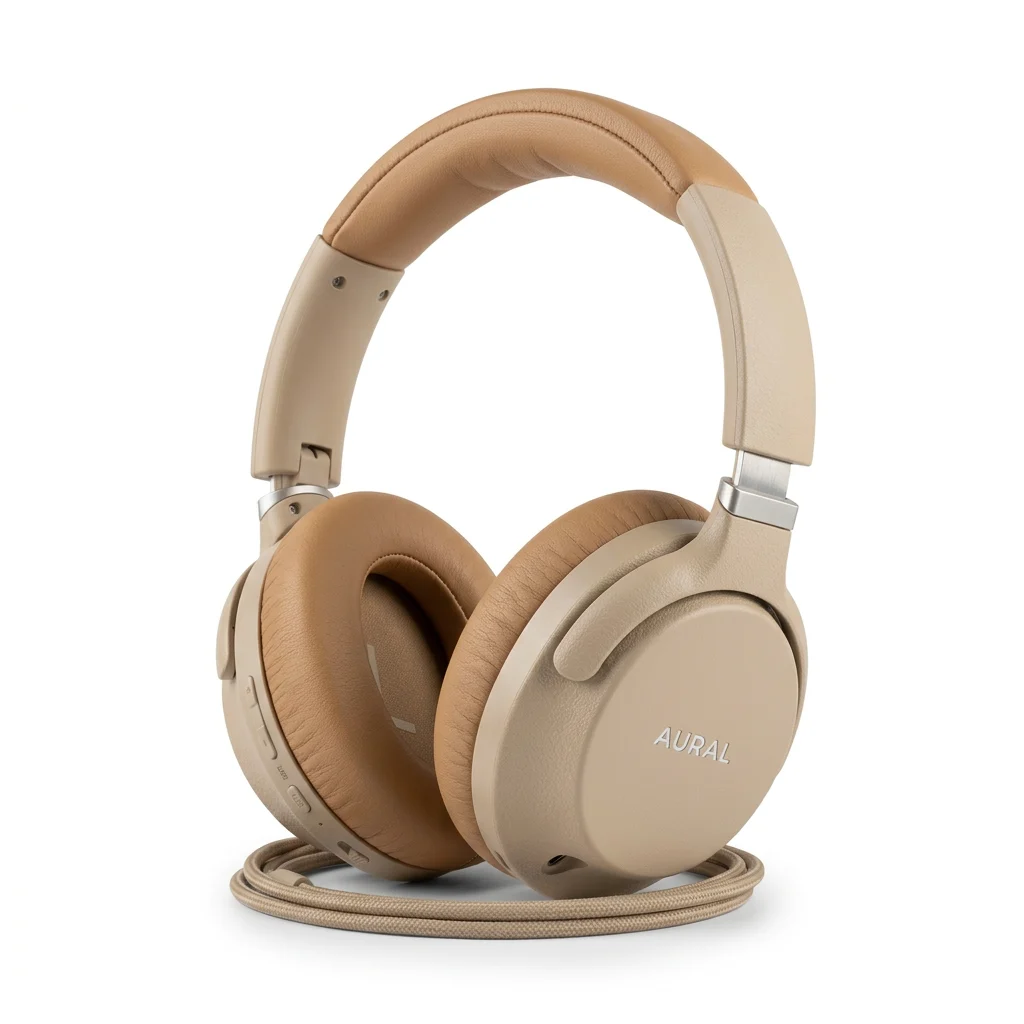
Main image · Headphones 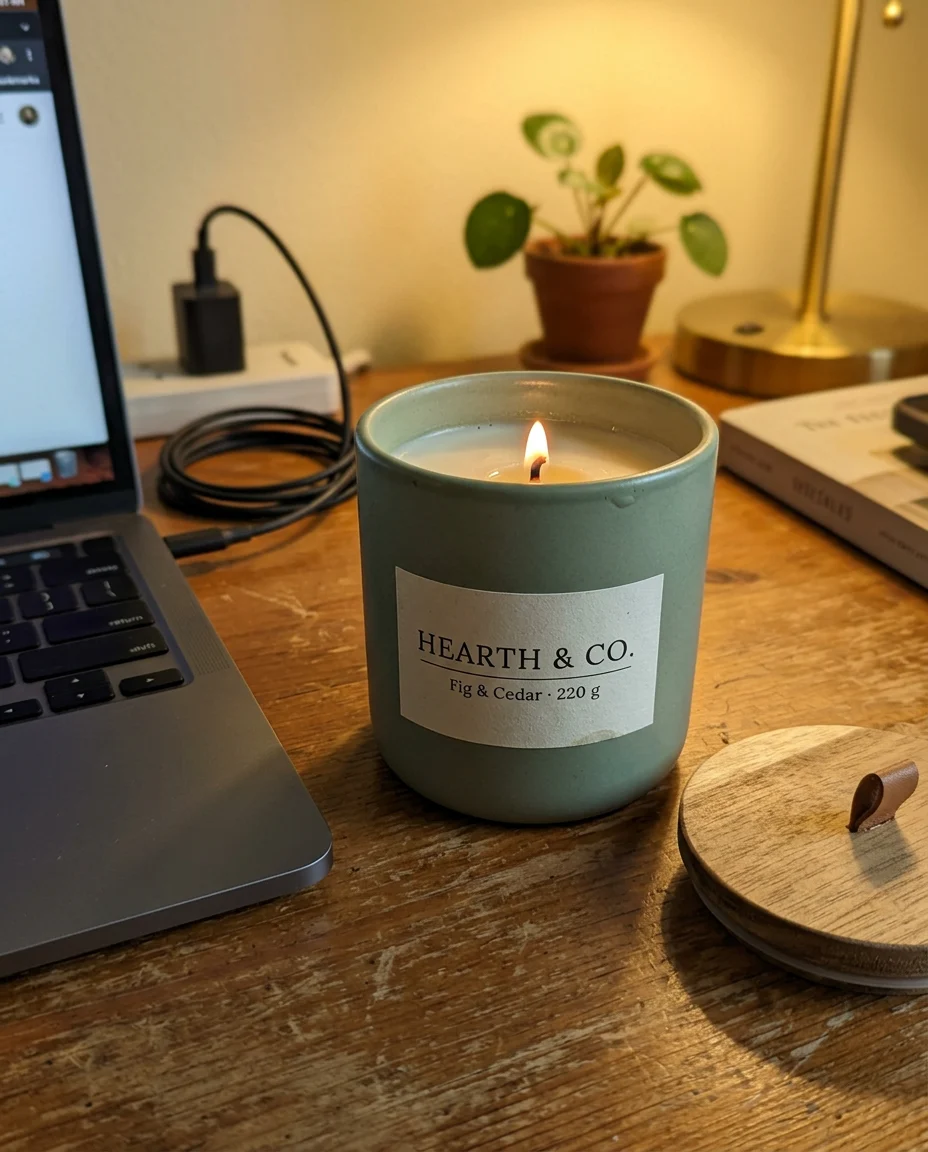
Your photo 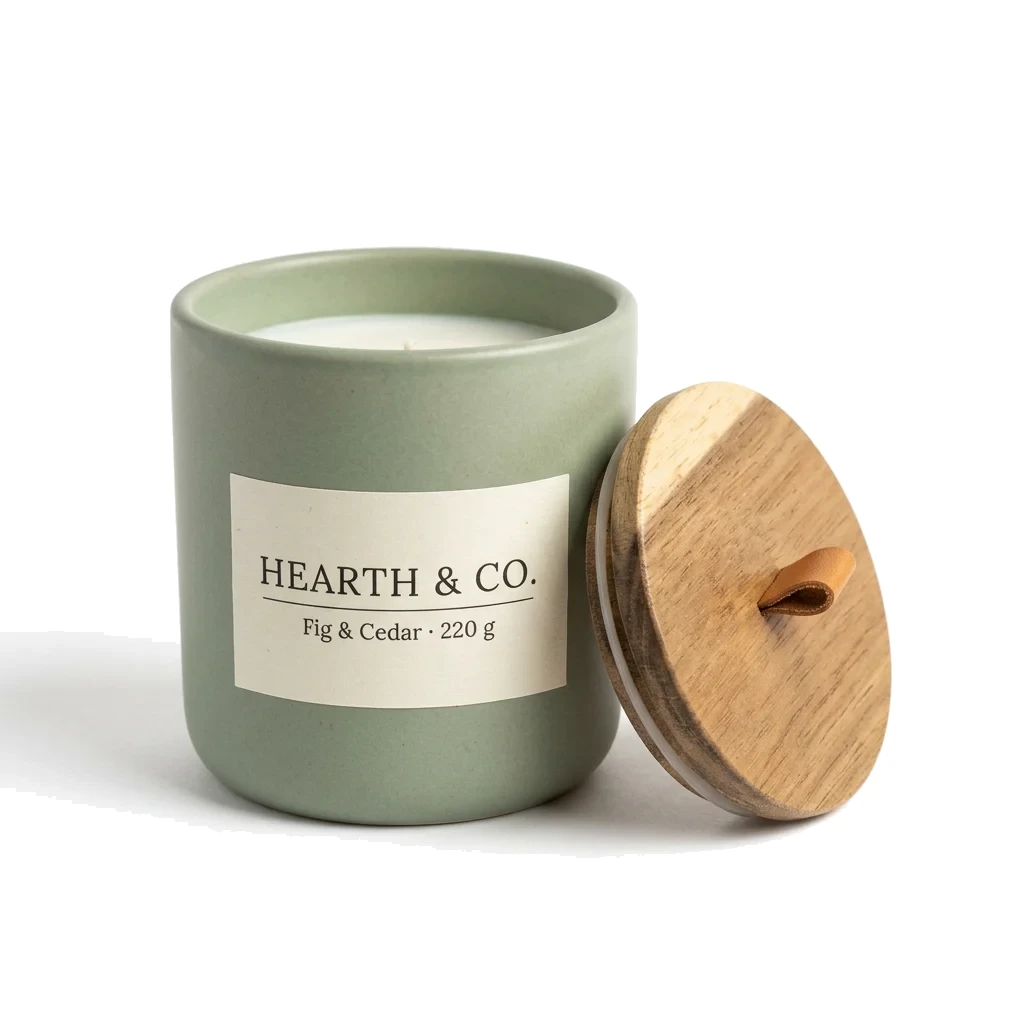
Main image · Candle
What a marketplace main image needs
Amazon has the strictest rules, and a photo that meets them works on the other marketplaces too.
Pure white background. RGB 255, 255, 255. Light grey, cream or a soft gradient can get the listing suppressed.
The product fills about 85% of the frame. Measured on the side where it comes closest to the edge. Too much empty space makes the item look small in search.
Only the product. No props, no hands, no packaging unless it is part of the item, no text, badges or watermarks.
Enough pixels. At least 1000 px on the long side so shoppers can zoom. 2000 px is a safe target.
A file the marketplace accepts. JPEG, PNG, TIFF or GIF, up to 10 MB. JPEG is the usual choice.
Why removing the background is not enough
A background remover cuts the product out and puts it on white. The edges often stay soft or grey, the white is rarely exact, and the product keeps its original size in the frame, which is usually too small.
Photolisto builds the main image as a whole: the product is lit like in a studio, the background is set to exact white after generation, and the frame is cropped so the product fills about 85% of it.
How it works
1
Upload one photo
A phone photo on a table is fine. Several angles help with complex items.
2
Choose the main image
It costs 4 sparks. You get 12 free sparks when you sign up, enough for 3 images.
3
Download and upload to your listing
The file comes as a large JPEG on pure white, sized for zoom.
What to check yourself
- Very light or white products, such as white earbuds, have edges close to the background. For them the background is not forced to pure white, so the product is never cut. Check these frames before you upload.
- Tiny printed text, like fine print on a label, may come out less sharp than on the original photo.
- Category rules differ. Some categories, for example shoes, ask for a specific angle. Check the marketplace help pages for your category.
Questions
Does the product change?
It should not. Shape, colour, logos and printed text are kept as in your photo. If something looks different, generate the frame again or contact us.
Is the background really RGB 255?
Yes, for most products. After generation the background is set to exact white and the frame is cropped. The exception is very light products, where we keep the original pixels so the product is not eaten by the white.
How much does it cost?
A main image costs 4 sparks. The first 12 sparks are free. After that you buy a pack once, from 99 SEK for 40 sparks. There is no subscription.
Can I check a photo I already have?
Yes. The free main image checker measures the background and the fill in your browser, without signing up.
Try it on your own product
12 free sparks, 3 images, no card required.